Press Play now.
The gold button opens the game. Stay on that page while your world loads.
Play now
An open-world multiplayer survival sandbox
Dig. Build. Get a little lost.
Bring a friend, or see who you find.
Recommended: play in your browser.
Free. No download. No account. Just a way in.
Checking in with the world…
Your first little expedition
No launcher. No sign-up.
The browser is the easiest way in.
The gold button opens the game. Stay on that page while your world loads.
Play nowThe first visit takes a little longer. On a phone or tablet, turn your screen sideways.
Play sidewaysPhone or tablet: tap Start playing, choose Creative, then Play.
Computer: choose Creative, then Continue.
Your first mission? Find a nice spot. Put down a block. See what happens next.
A tiny field guide
Choose Creative for free building.
Choose Survival when you’re ready for a little trouble.
Turn sideways. Your thumbs take it from here.
Tap the menu button to change your pet, season or game mode. The world keeps going while the menu is open.
Click the game to take control. You’re in.
Choose Full screen in the game menu where your browser supports it. On iPhone, open the game in Safari, tap Share → Add to Home Screen, then launch First World from its icon. An internet connection is still needed.
Buildings in the shared world are saved on the server. Your player stays with this browser and web address. Keep the site’s stored data to keep that player. The desktop app has its own player identity. Started on our original address? Keep playing there to use that character.
There’s more beyond that hill
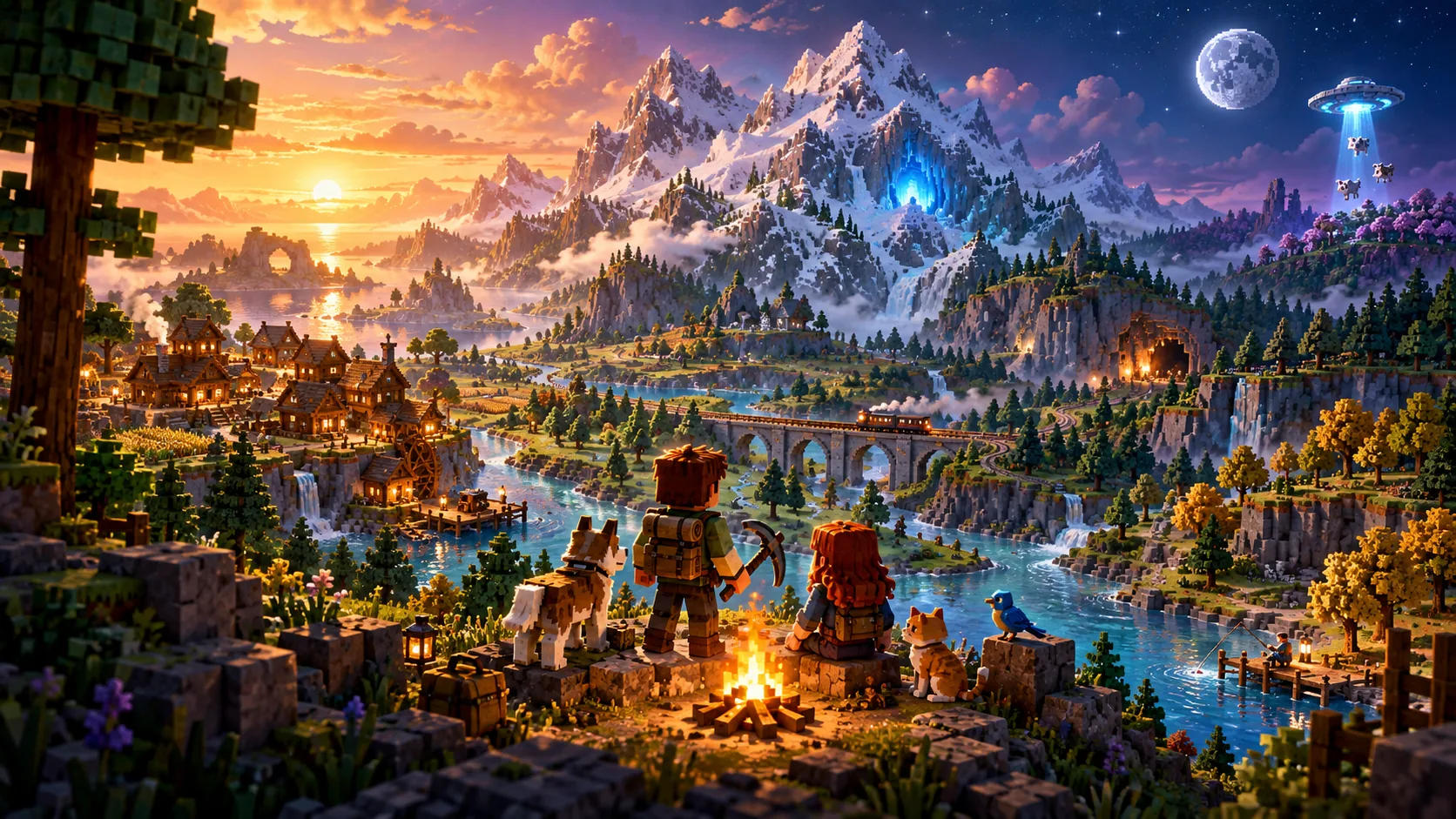
Build a quiet cabin. Wire up a strange machine. Lay tracks through the mountains and see where they take you.
Bring a dog, a cat or a bird. Fish by the water. Follow a cave underground. At night, look up. Some of the lights are not stars.
Go and find outOne public world, shared with other players.
Still growing. Still a little unpredictable. This is beta.
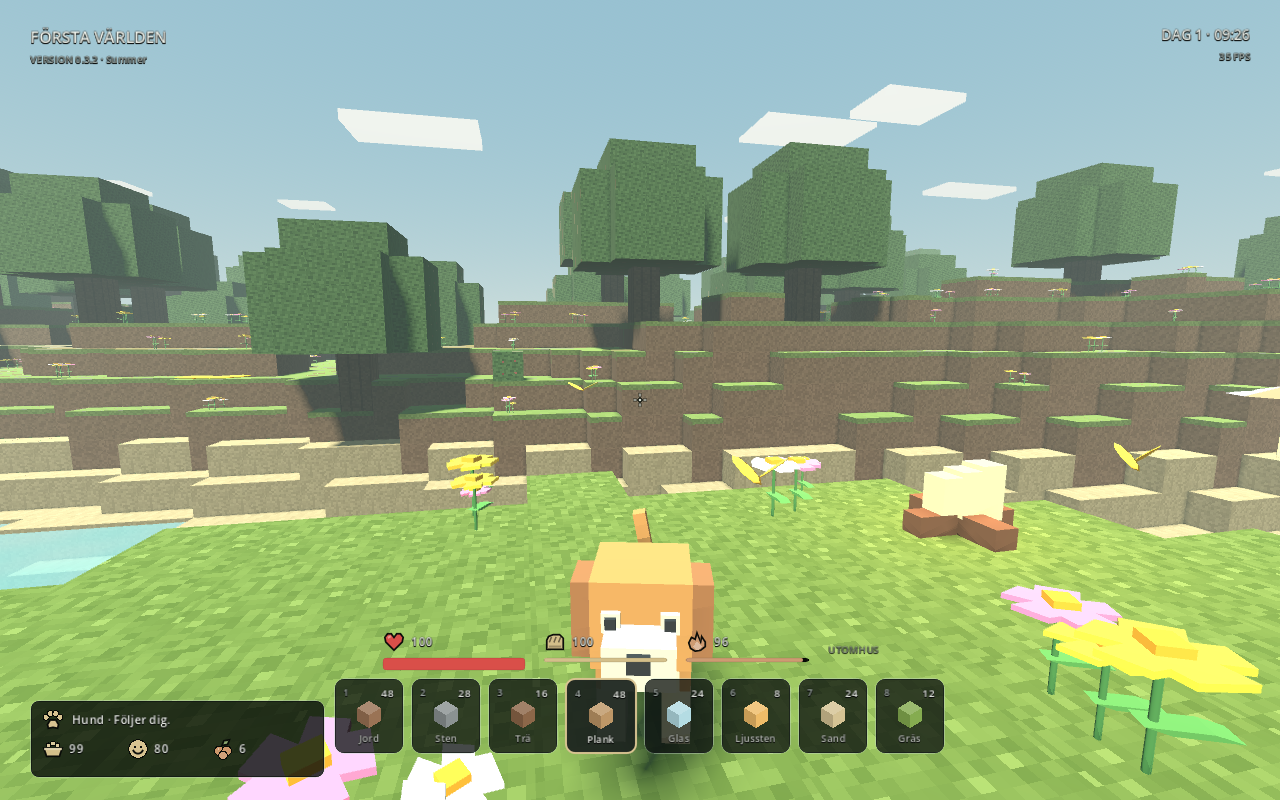
Same world. Different mood.
Birdsong & long afternoons.
Something in the dark.
Snow & little lights.
Change the season in the game menu. The music wanders in and out. You can take your time.
Take the music with youThe other way in
Prefer an app? Here it is.
For now, the browser is the easiest way to play.
The Mac beta is locally signed and isn’t yet notarized by Apple. That is why macOS may say it cannot check the app.
Ask a grown-up to help with this part. After trying to open First World, go to System Settings → Privacy & Security. Find First World, choose Open Anyway, then Open. Only do this if you trust this download.
If the warning says the app contains malware or is damaged, stop and use the browser version instead.
Apple’s opening guideKeep all the extracted files together. You don’t need to install Godot.
The Windows build has not yet been play-tested on Windows. The browser version is recommended.
Updates find their own way in. The app downloads updates automatically. When one is ready, quit and reopen the game.
Latest releaseA world by William Rydh, with thanks to the creators, tools and games that helped shape it.
Concept and creative direction — William Rydh. Original game code, voxel models, outfits and procedural sound design created for First World.
Original soundtrack by William Rydh. 70 instrumental pieces created with Mureka, an AI music creation tool. Free to listen and download.
Godot Engine contributors — MIT licence and copyright notices. Thanks to the engine's contributors and the authors of its third-party components.
ARoachIFoundOnMyPillow — 16x16 Block Texture Set. Selected block textures, CC0 1.0.
Vurbin — Christmas Decorations. Gift, lantern, garland and workshop artwork adapted from the supplied package, whose included licence states CC0 1.0.
HaiMcFly — Stay True. Selected lamp, workbench, chest and torch artwork. The project lists All Rights Reserved; separate-game redistribution permission has not been verified.
Custom Sky 1.16 — selected sky images. The original creator and redistribution permission have not yet been verified. Source reference.
Selected recordings included in First World under the Pixabay Content License; playback varies by season and location.
DJARTMUSIC / Krzysztof Szymanski — Christmas Chimes Transitions
dbsound / Aleksandar Nikolic — Birds Chirping Nature Ambience Serbia
JorisVermeer — Gentle Nature Background
Soundscapes55, via freesound_community — Peaceful
Freesound Community — 005479_Tense creepy atmosphere
Placidplace / Iris,Helen,silvy — Spooky Halloween effects with thunder
lwdickens, via freesound_community — Outdoor ambience snow falling on leaves
Special thanks to Minecraft by Mojang Studios and its creative community, World of Warcraft, Fortnite, Valheim, Astroneer, Dragon Quest Builders 2 and Autonauts for inspiring our love of building, exploration and shared adventures.
These titles are design influences, not contributors or endorsers. The existing brainrot characters also have third-party origins; their creators and character permissions have not been verified.
First World is an independent game, not an official Minecraft product. It is not affiliated with or endorsed by Mojang, Microsoft or the other creators named here. Credits acknowledge sources and inspiration; they do not grant a licence or replace permission. Questions or corrections? Contact HQ.